Scheduling
Certain entities can be set to run on a specific schedule
Currently supported entities:
Test case
Test suite
Profiling object
Metadata schemas
Where schedules are set
Test cases, test suites and profiling objects are scheduled via the Schedule segment in the header of their detailed view — its label always shows the current cadence in plain language (or "Not scheduled"), and hovering it reveals the next execution time. Metadata schemas are scheduled via the clock icon on the schema's row in the connection's metadata panel. Profiling objects can also be scheduled in bulk from the profiling list's selection actions.
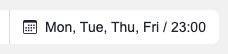
Editing a schedule requires edit rights to the entity; without them the segment still shows the cadence and next execution read-only.
Schedule types
Not scheduled - Entity will not be run automatically
Selected day(s) - Entity will run on selected days at a selected time
Monthly - Entity will run every month on a selected day (In case month does not have enough days, it will be run on the last day)
Custom - Entity will run on a specified interval, every N minutes
CRON - Entity will run on user specified time
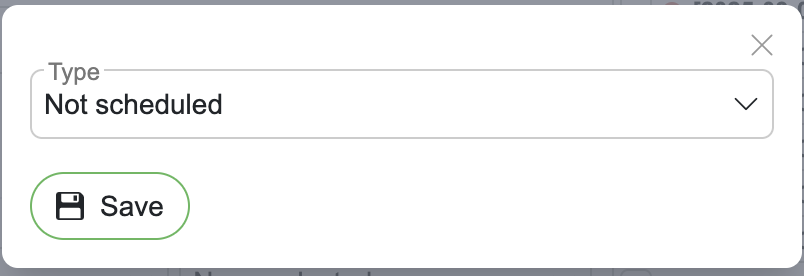
Entity will not be run automatically
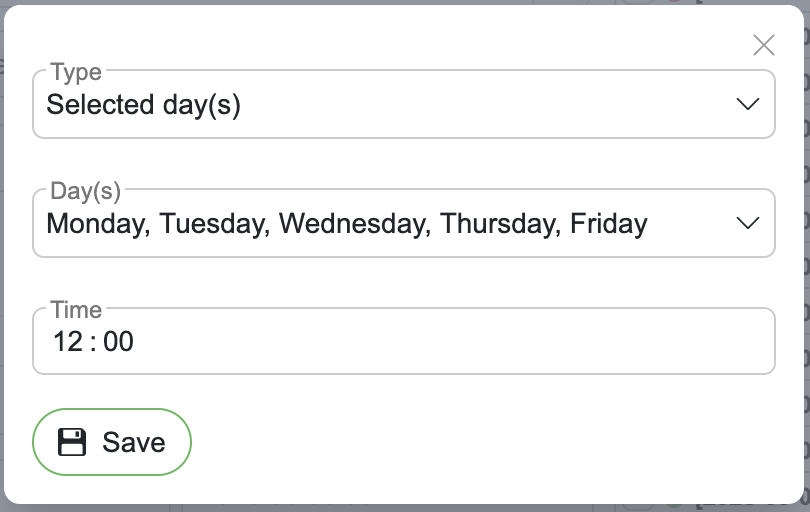
Entity will run on selected days at a selected time
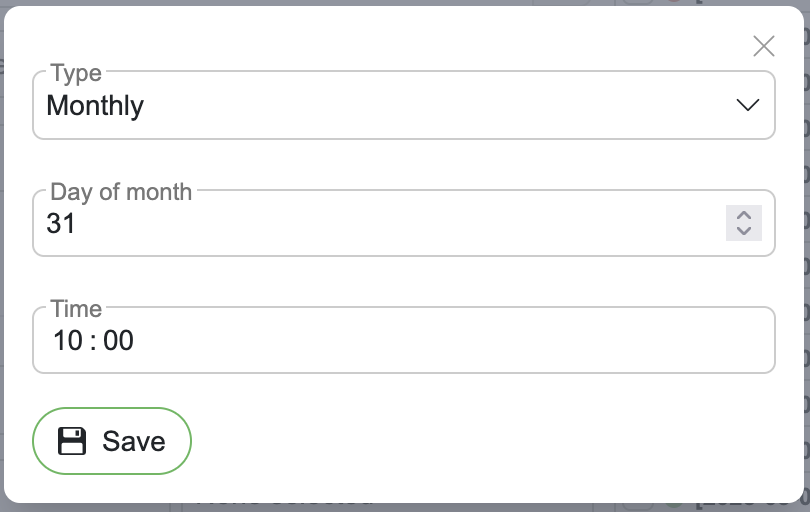
Entity will run every month on a selected day (In case month does not have enough days, it will be run on the last day)
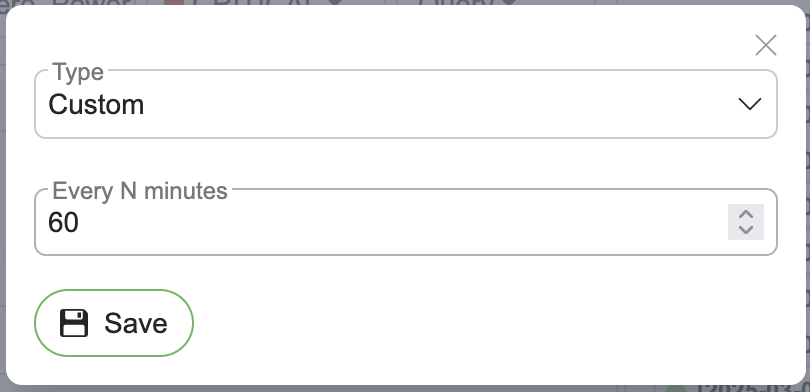
Entity will run on a specified interval, every N minutes (1 to 1440)
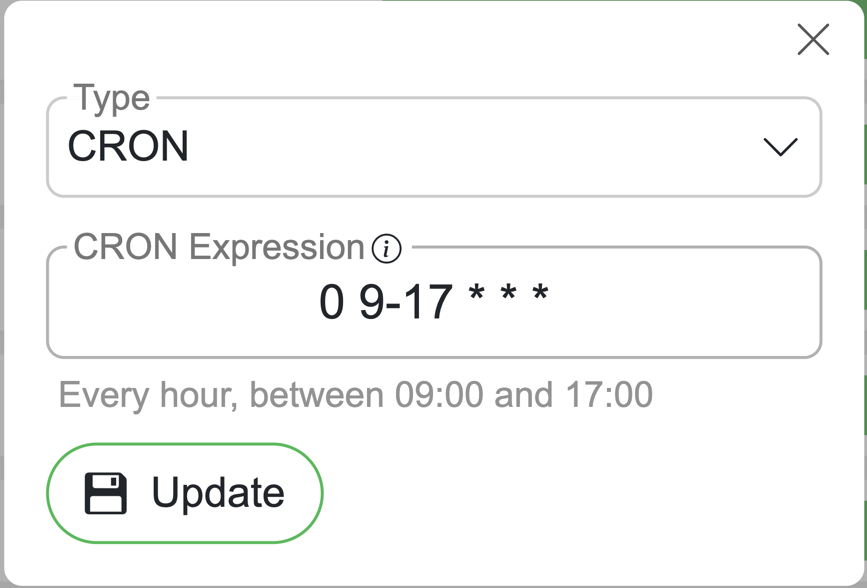
Supports UNIX (5-field) and Quartz (6/7-field).
Detection: 5 fields → UNIX; 6 or 7 fields → Quartz.
Special chars: UNIX: * , - /. Quartz: * , - / ? L W #.
UNIX examples
*/15 * * * * – Every 15 minutes.
0 9-17 * * * – Every hour, between 09:00 and 17:00.
Quartz examples
0 59 23 L * ? – 23:59 on the last day of the month.
0 0 10 ? * MON-FRI – 10:00 on weekdays.