Entity alerting
Entity alerting allows users to enable notifications for themselves or any custom email. Alerting is available for catalog objects, glossary terms, test cases, test suites, profiling objects and connection schemas.
Enabling/disabling notifications
Notifications are managed from the Notifications segment (bell icon) in the entity's detailed view header - its suffix shows the subscription count. On connection schema rows, the bell icon in the Alerts column opens the same form.

Clicking it opens the alerting form, one row per recipient with a toggle per available alert scope. Which scope columns appear depends on the entity - the example below is a catalog object, which only offers Changes:
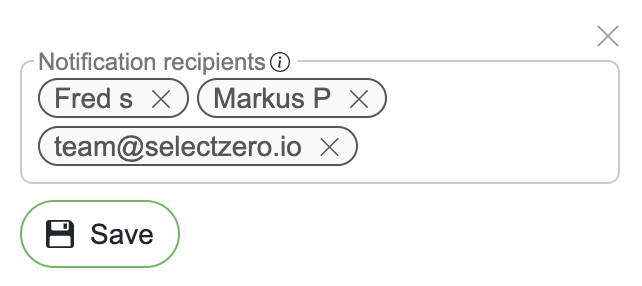
Users with edit rights see all recipients and can add users, custom emails or webhooks as recipients through the Add recipient or webhook field, choose each recipient's alert scopes, and remove recipients.
Users without edit rights see their own subscription row and can choose their scopes or remove their notifications.
Changes apply on Save.
Alert types
Available alert scopes depend on the entity:
Failure alerts - notifications when an execution fails or errors. Available on test cases, test suites and profilings
Change alerts - notifications when the entity is modified or deleted. Available on test cases, terms, catalog objects and schemas
Test cases are the only entity offering both. The full mapping is in Alerts settings → Alert scopes.
Users can choose which types of alerts they want to receive when configuring notifications. For test suites, the alerting form also holds the suite's alert settings (Alert mode, Allowed errors (%), Severity threshold - see Test suites → Alerts).
Admins can review and manage all subscriptions centrally under Alerts settings → Managing user alerts; every user can see their own under Settings → Profile → My alerts.