Import
The Import feature allows to import data into the system by uploading CSV or Excel files. The catalog import is opened from the "More" dropdown on the right of the toolbar on the Catalog page's tabs.
Catalog import modal consists of: 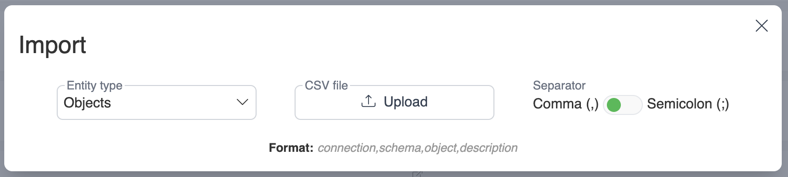
Fields
Entity type
Business rules - Catalog business rules (Catalog import does not support linking test cases, can be done with API)
Objects - Catalog objects descriptions
Attributes - Catalog attributes (columns) descriptions
Attribute relations - Relations between attributes
Attribute relations (SQL) - Relations between attributes and query evaluation functionality
Attribute term relations - Term labels on attributes
Terms - Business glossary terms
Term relations - Relations between glossary terms
File
Import can be done from both CSV and Excel files
You can get the import template with required headers (including custom fields) in your preferred format: 
Separator
If you are using CSV files, you can also choose your separator:
Comma (,) - Values are separated by commas.
Semicolon (;) - Values are separated by semicolons.
File Upload
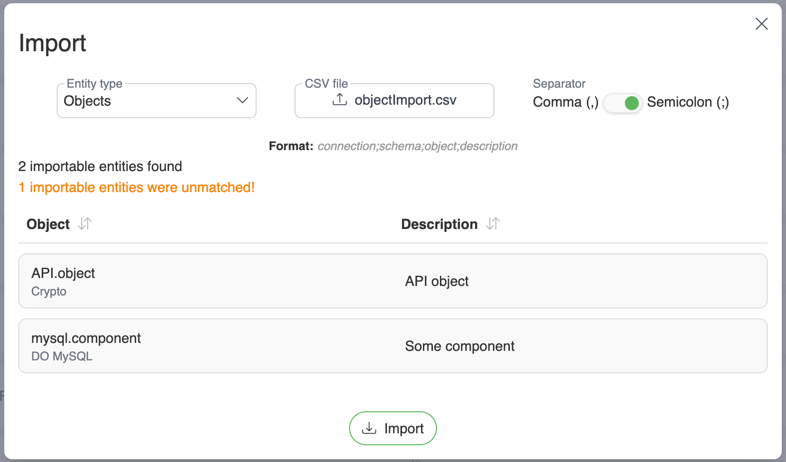
Upload File: Uploading import template will preview all entities that are available for import. Unmatched entities will be shown as count.
Evaluate query
To open query evaluate modal, choose entity type "Attribute relations (SQL)" and press "Insert from query" button 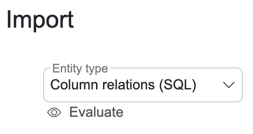
Lineage from query
To accurately evaluate data lineage, select a database connection and insert SQL query. SelectZero is able to parse lineage from various queries containing INSERT, UPDATE, JOIN statements, parsing abstract syntax tree from SQL queries. 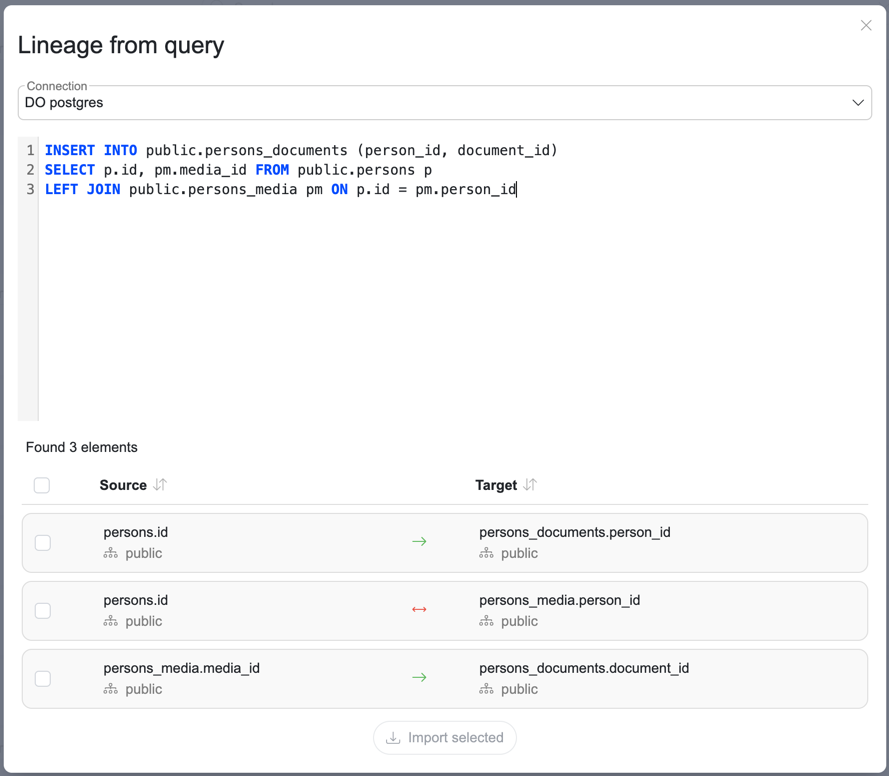
Smart relations
In case your queries contain objects which are missing metadata loaded into the platform, you can use smart relations. In case SelectZero counters missing objects such as temp tables, it can still stitch together lineage which is connected to existing metadata objects through N temporary objects.
You can enable this by checking the 
Origin query check
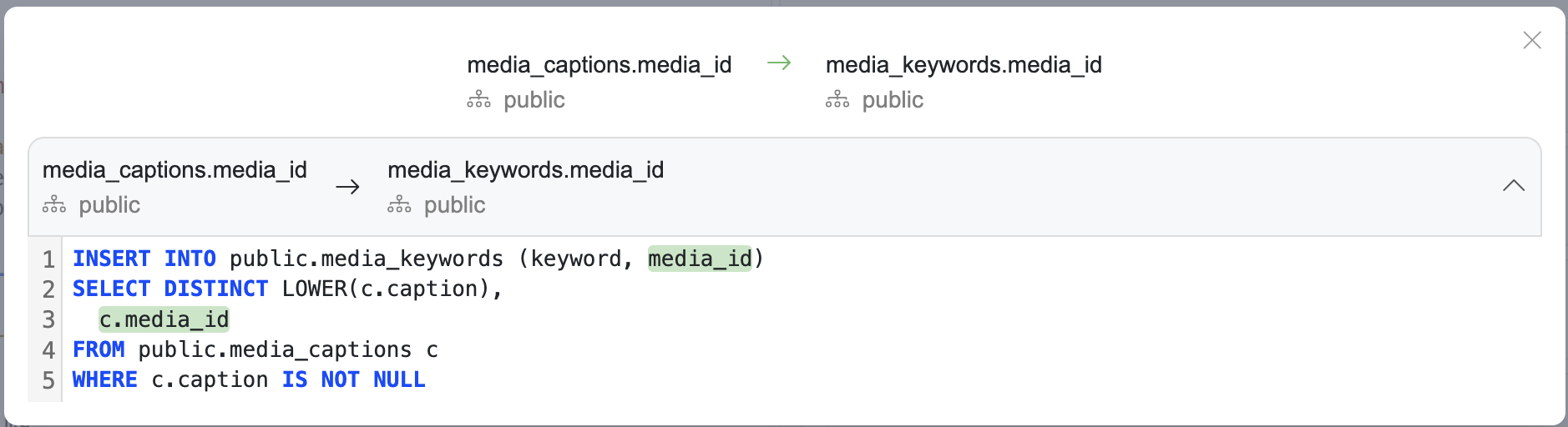
You can also check the origin query by clicking on the relation type arrow