Reports
Test case reports allow users to compile and save printable reports. These can be used to have overview of test execution without having to include them in a specific test suite. Reports are opened from the Test cases page via More → Reports; the New report button creates one from the chosen filters (connections, test suites, status, severity, labels, custom fields). Editing reports requires the Add/edit test case reports privilege.
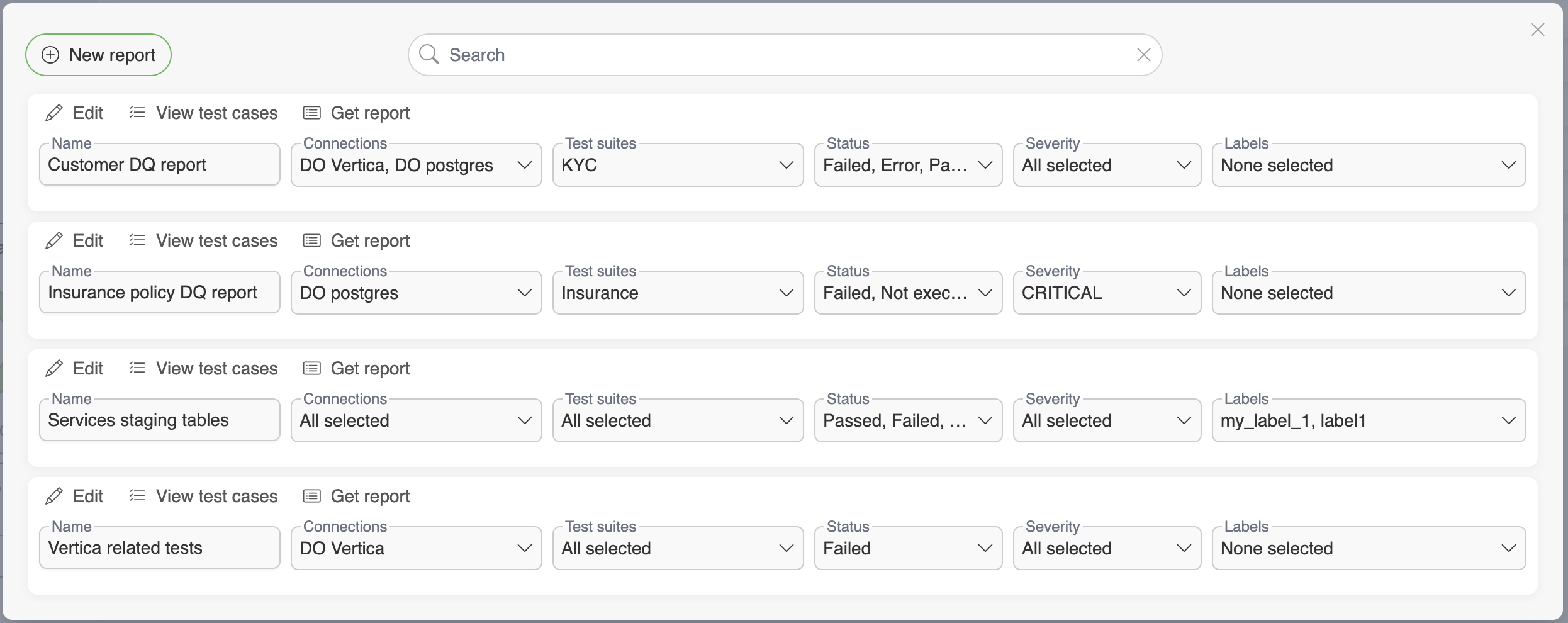
Working with a report
Clicking a report opens its detail view. There is no separate edit action: the sidebar holds the report's own filters (Name, Connections, Test suites, Status, Severity, Labels and its custom fields), which are edited in place and stored with Save. Delete sits beside it, behind a confirmation.
The detail view has two tabs:
Test cases - the test cases the report's filters currently match, with their result, connection and relation
Reports - the history of reports already generated from it, listing Created at and Type. Generate report produces a new one and asks for the format first: Excel report or HTML report. The generated file downloads straight away and the run is added to the history, where each row can be downloaded again or removed with the trash icon

View test cases in the header leaves the report and opens the Test cases page filtered to the same set.