Logging
By default, SelectZero logs application events on a file level with log rotation. Log rotation keeps logs for maximum of 10 days or 100MB log file size.
Rotated logs are moved to /logs/archived
Log types:
General logs - Application's user and system actions
SQL logs - All executed SQL queries
Security logs - Application's request logs
Import/Export logs - Logs about imported and exported entities
AI assistant - Logs about calls to the AI assistant API
System - Logs about internal system actions and errors (including stacktrace)
In-app log viewer
Logs can be viewed directly inside the application from the logs modal, accessible from the top navigation bar.
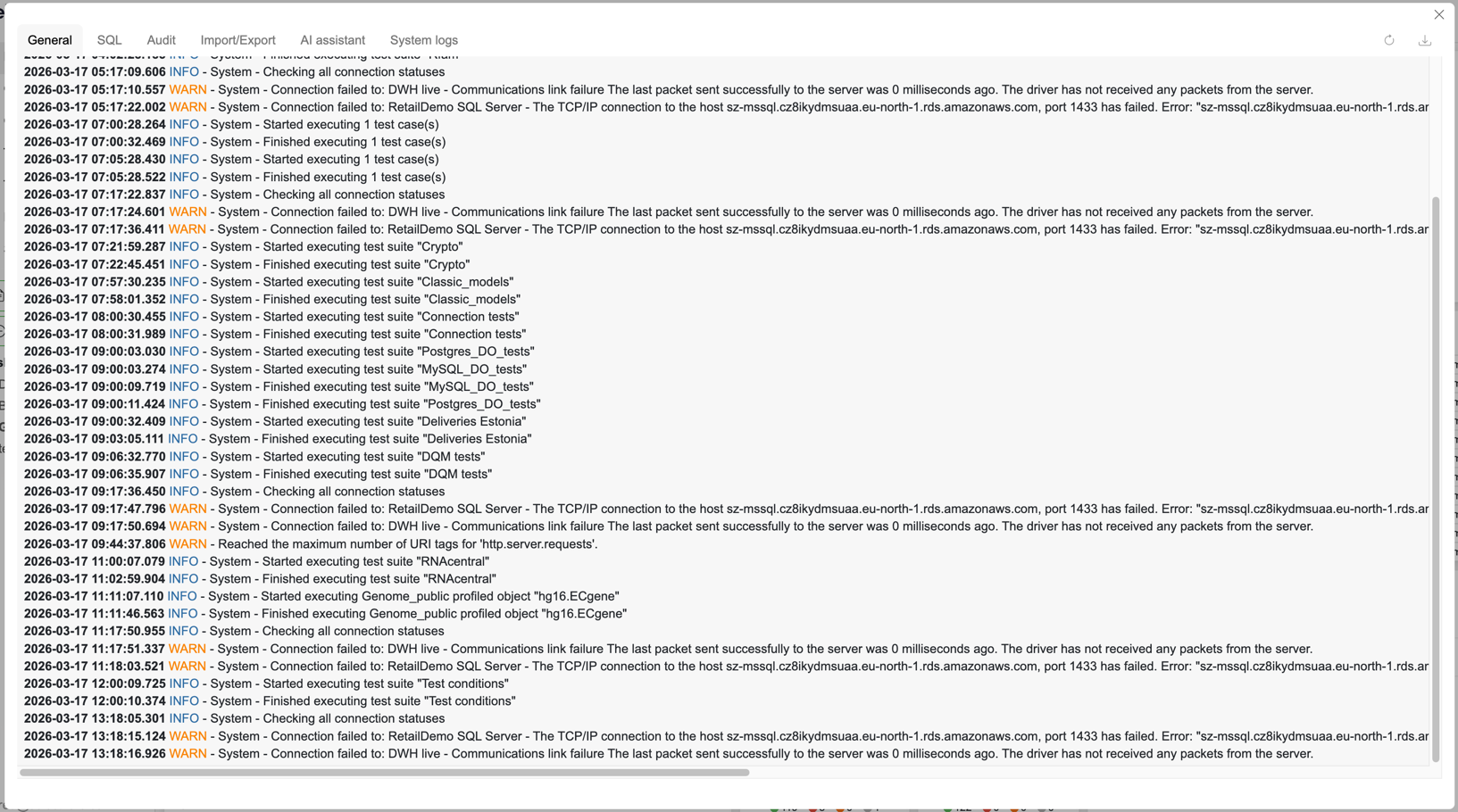
Access and permissions
Users with the View dashboard privilege — can view the General log
Admins — can view all log types via tabs and download archived log files
Viewing logs
Admins can switch between log types using the tab bar at the top of the modal:
General — application user and system actions
SQL — all executed SQL queries
Security — application request logs
Import/Export — logs about imported and exported entities
AI assistant — logs about calls to the AI assistant API
System — internal system actions and errors, including stack traces
Downloading archived logs
Admins can open the Download modal to access archived log files. Files are grouped by log type. Hover over a file to reveal the download button.
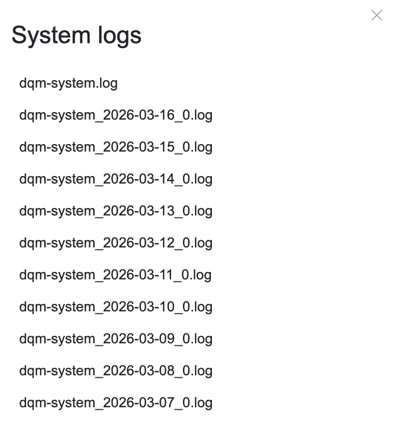
Default format
Platform logs follow pattern
Timestamp - ISO 8601 formatted timestamp
Log level - INFO, WARN, ERROR levels
IP / Session ID - Request origin IP and user hashed session ID
User - Application user
Message - Log message
Using Filebeat as Sidecar for log forwarding
As the SelectZero platform is a simple containerized platform, log aggregation and security monitoring can be configured on deployment side. You can use Filebeat to forward logs to a central service such as Logstash or Graylog.
Example docker-compose.yml:
Example of filebeat.yml: