Initial login
By default, DQM will run on port 8090: http://localhost:8090
You can use your browser to access the DQM - we mainly support Chrome browser
Initial admin credentials are generated in admin-init.txt, which is deleted after the initial login.
Username: admin
Password: [generated password found in admin-init.txt file]
Log in using provided credentials (you will be redirected to the License page. Enter the license key provided)
After logging in, change admin password in Settings -> Users:
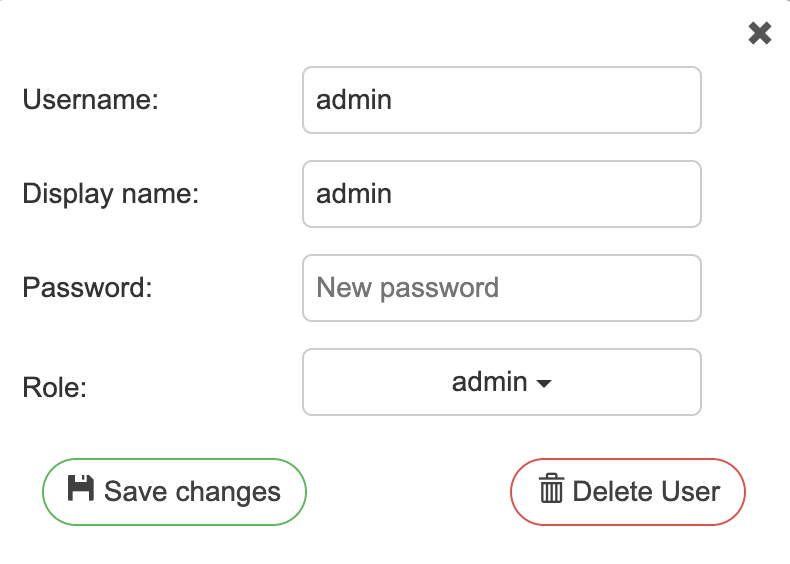
Click "Save"
04 September 2026